ORBIT THE MOON
Space flight simulator: fly to the Moon at true scale
Start in a 500 km orbit around Earth. The Moon is 384,400 km away and moving. Aim for where it will be, make the burn yourself, and get captured when you arrive.
FLY TO THE MOONFree. Runs in your browser, no download or account.
- Distance
- 384,400 km
- Transfer burn
- ~3.1 km/s
- On board
- 4.7 km/s
- Trip time
- 3.5 to 5 days
- Time warp
- to 100,000x
The flight plan
Nothing flies this for you. These are the four stages of a real run in the simulator, with the numbers from a test flight on the default rocket.
-
T+0
PARKING ORBITWait for the window
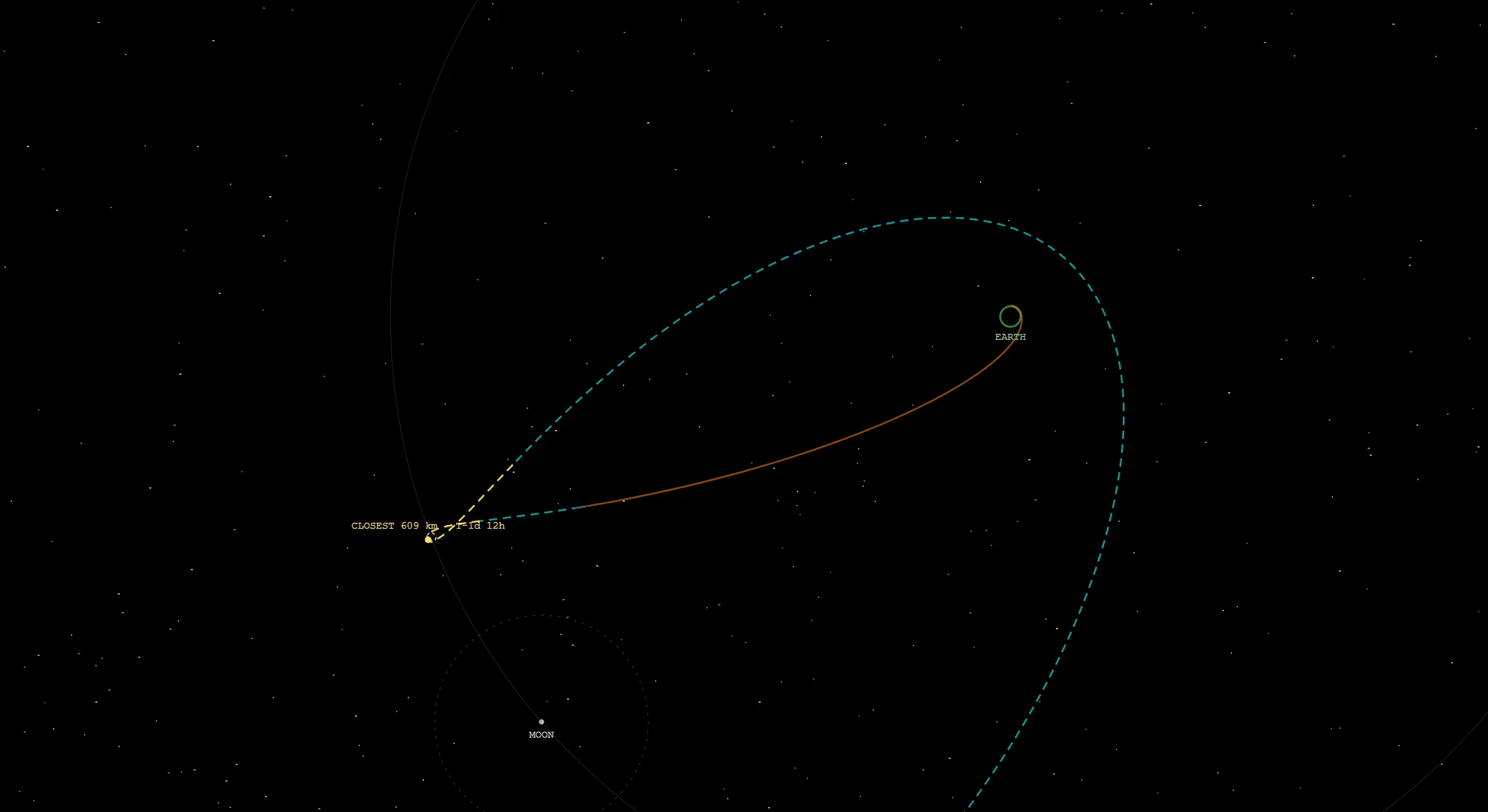
You orbit Earth every 94.5 minutes while the Moon barely moves, so a launch window comes around on every orbit. Open the Predicted Orbit tab and drag the fuel slider. A pink line shows the orbit you would get by burning right now.
-
T+22 MIN
TRANSFER BURNBurn prograde for about two minutes
When the pink line reaches the ghost Moon, lock it and hold the burn button. Roughly 3.1 km/s stretches your orbit out to the Moon's distance. The test flight spent 44,750 kg of fuel here.
-
T+1 DAY
COASTCorrect your course early
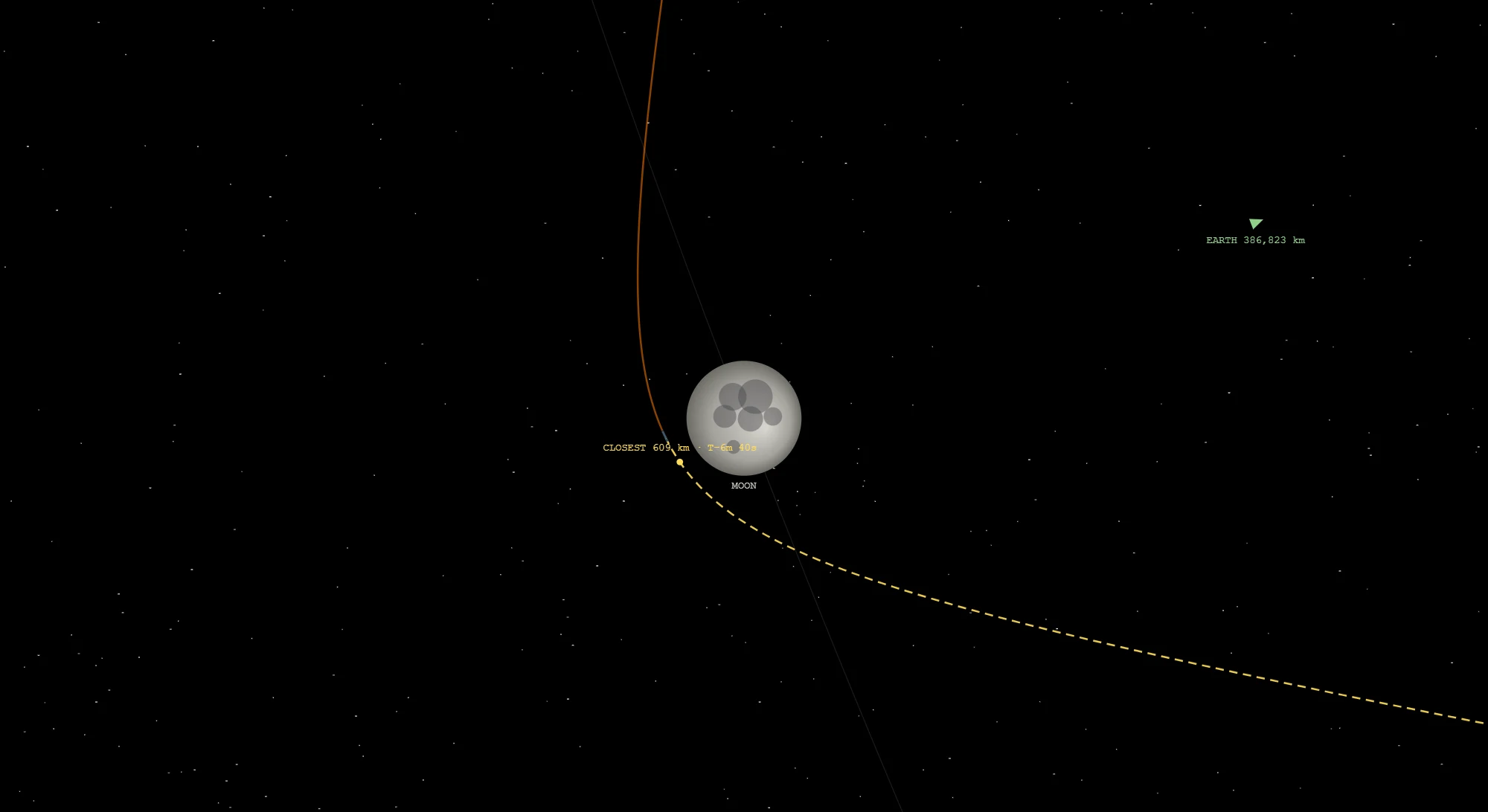
Warp ahead and watch the closest-approach marker. Far from Earth, tiny burns move your arrival point a long way: 220 kg, about 25 m/s, turned a Moon impact into a 609 km pass in our test.
-
T+3.4 DAYS
CAPTURETurn around and brake at closest approach
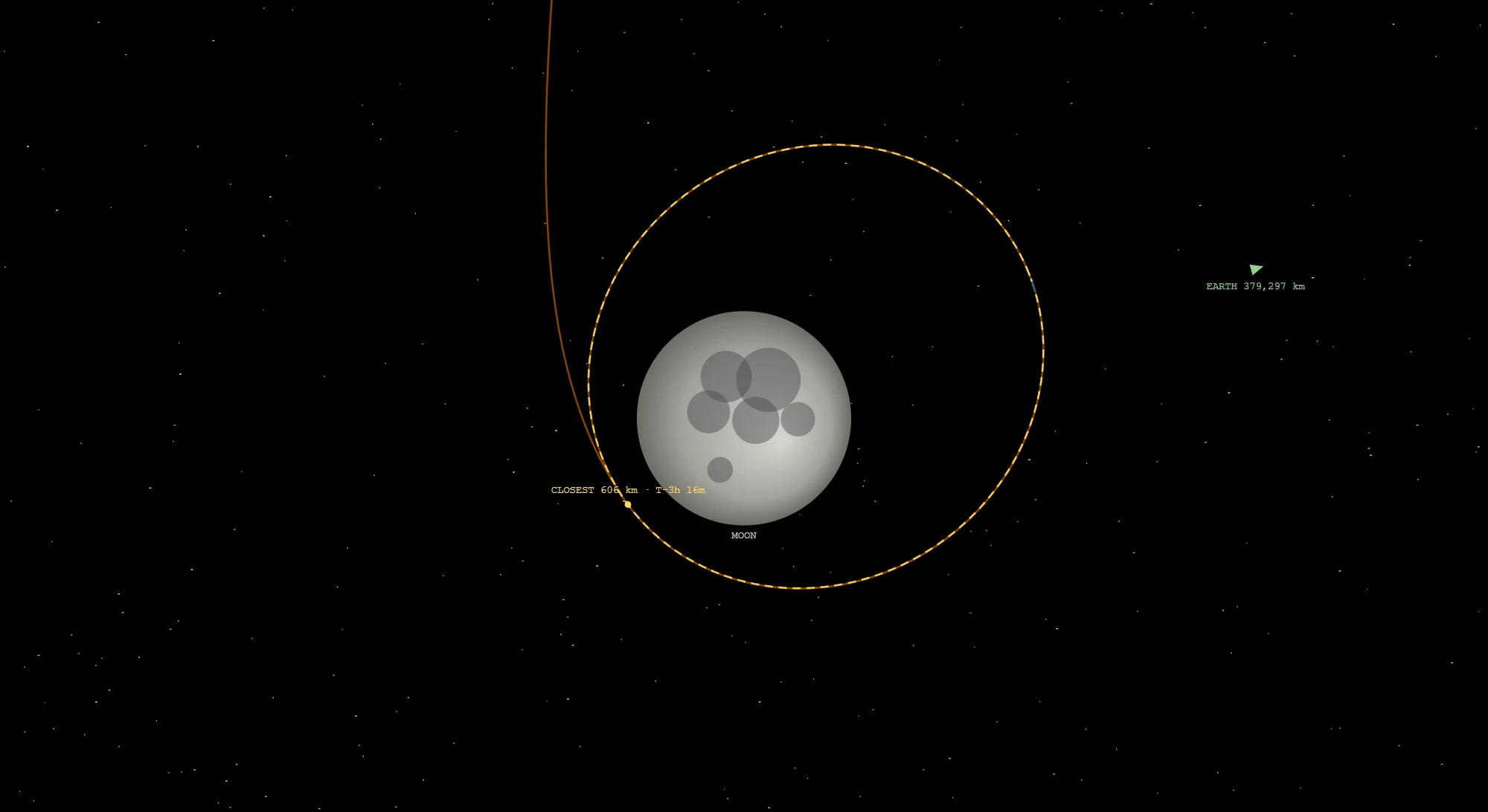
Pick retrograde early, because the rocket has to finish turning before the engine will light. Burn until periapsis is above 100 km and apoapsis is below 5,000 km. That is the mission win, and you can keep flying after it.
Two bodies pulling at once
The Moon doesn't switch on when you get close. Earth and the Moon both pull on your spacecraft for the whole flight, and the prediction line runs that same physics forward, so a path that looks good really will arrive.
Switch between Earth view, Moon view and the rocket camera at any time. Once you're inside the Moon's influence, prograde, retrograde and the orbit readouts all become relative to the Moon.
Stay in orbit, or don't
Getting captured is only part of it. Earth's pull reshapes long, stretched lunar orbits, and some of them hit the surface within days. That's why the win needs a tight orbit. In simulation, orbits inside the limits survived 28 days from every starting angle we tried.
You start with 56,335 kg of fuel on the default rocket, or bring your own design from the Hangar. A small upper stage may reach the Moon and have nothing left to stop.
What's real and what isn't
Modeled
- The Moon's real mean distance, size and mass
- Gravity from Earth and the Moon on every step
- Fuel use, thrust and specific impulse from your rocket
- A 27.3-day lunar orbit, so the Moon moves during your trip
Simplified
- Everything happens in one 2D plane
- The Moon's orbit is a perfect circle
- You can orbit the Moon, but not land on it yet
- The rocket turns between burns without using fuel